You can’t upload images of your own frames to apply to Artworks. However, you can design and personalize frames directly within Room Mockups, Personal Spaces and Art Show Planner using the Frame Builder tool.
This integrated tool allows you to customize your frames with a variety of options, including:
- Frame width: Adjust the thickness of your frame.
- Material: Choose from available textures and colors
- Floating frame: Add or remove a floating effect.
- Mat: Include a mat and customize its mount type, size and color, including any custom color you choose.
- Glass reflection: Enable or disable for a more realistic appearance.
- Name: Assign a name to your custom frame.
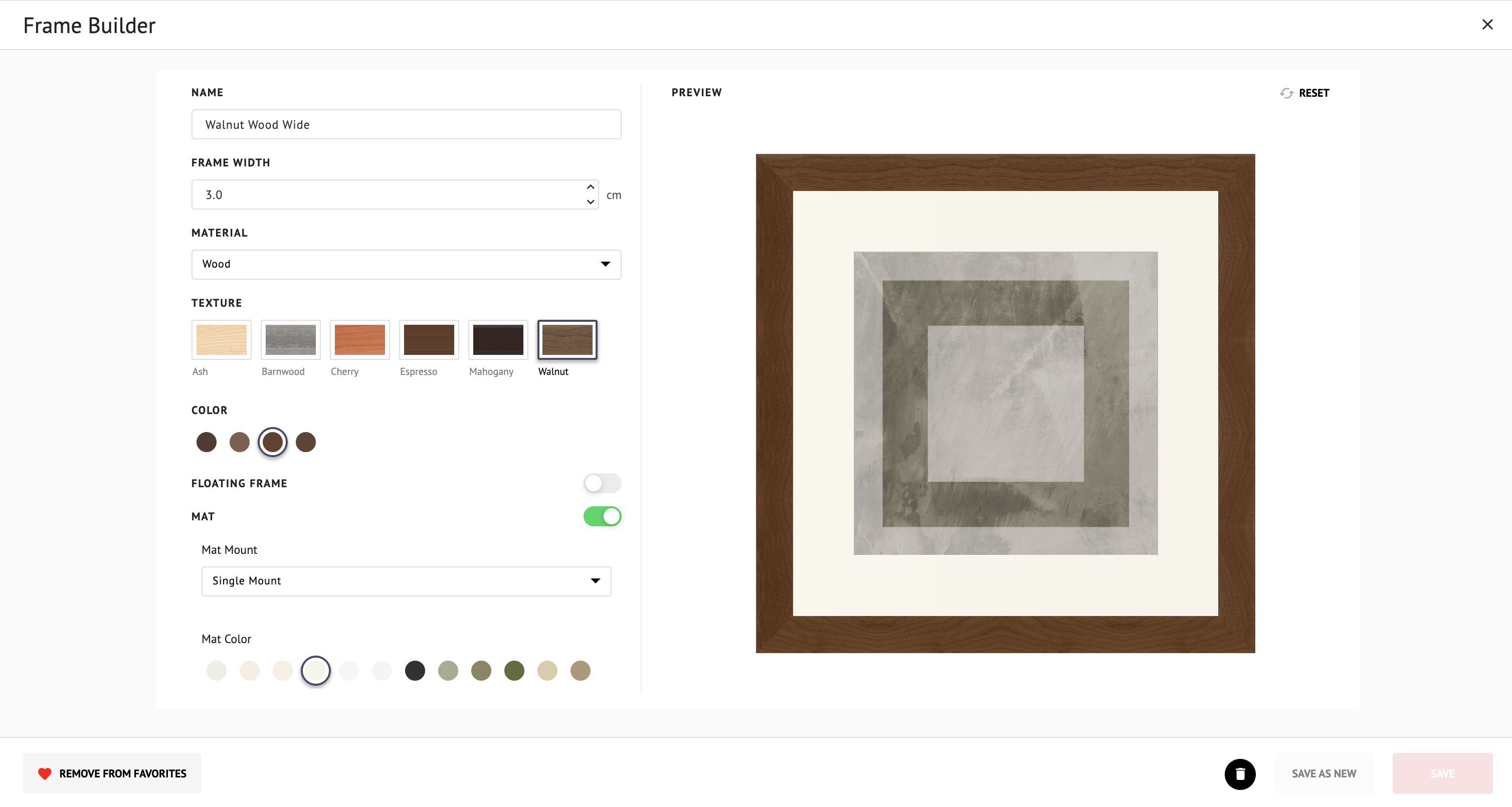
Important: Frame customization is limited to the options provided within the Frame Builder. It is not possible to upload or import new frame styles, images or materials beyond those included in ArtPlacer.
For a step-by-step walkthrough on creating and saving a custom frame, see our guide: How To Create and Customize Frames.