We've recently added Folders to the My Designs section, making it easier to organize your designs into projects, collections, or any category that fits your workflow.
For a full overview of how Folders work, check out the My Designs article.
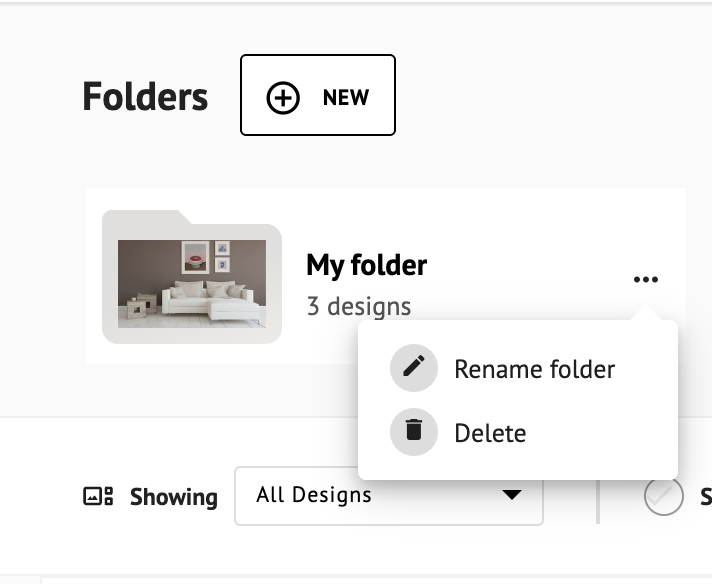
To manage your folders, go to Sidebar > My Creations > My Designs. At the top of the page, you'll find the Folders section. Each folder has a ··· menu next to it , click it to access the following options:
- Rename: Enter a new name for your folder and save your changes.
- Delete: Remove the folder from your workspace.
⚠️ Deleting a folder won't delete your designs. Any designs inside will be moved back to the main My Designs section automatically.